Finding the best AI tools for teachers can feel overwhelming. New platforms appear constantly, and most promise to save time or improve instruction. The real question is not “Which AI is the best?” but “Which tool is best for the specific stage of the work I’m doing?”
I recently put this to the test while designing this project-based learning unit. I took the same idea , a viral concept of school buses being lowered into a backyard and transformed into a luxury underground bunker, and ran it through two different AI teaching tools. The results highlighted an important distinction for educators.

What the Comparison Revealed
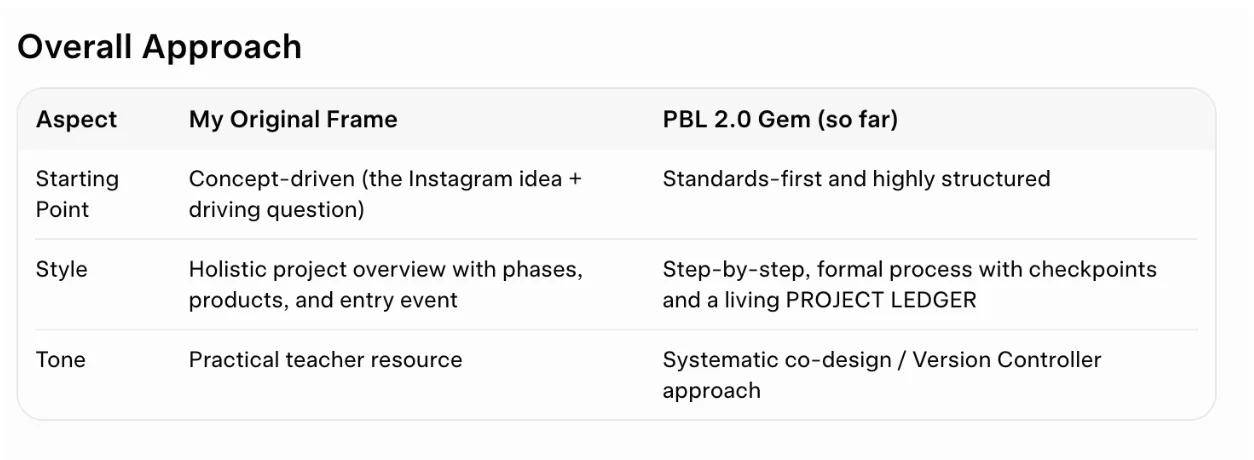
Grok performed best for creative, open-ended iteration.
When I shared the original idea and asked for help turning it into an interdisciplinary upper-elementary project, Grok quickly generated a full project frame. It produced a strong driving question, entry event ideas, learning phases, student products, and assessment suggestions. The thinking felt expansive and flexible. It treated me like a design partner who already understands PBL and simply needed a strong creative starting point.
PBL 2.0 performed best for structure and best practices.
When I moved the same parameters into PBL 2.0, the tool responded with a highly disciplined process. It verified inputs, unpacked standards into a clear Knowledge-Understanding-Do framework, wrote measurable success criteria, and maintained a project ledger. Everything stayed orderly and tightly aligned to the standards. This kind of scaffolding is especially valuable for teachers who are newer to project-based learning or who want to ensure quality and coherence from the start.
The Most Effective Approach to Designing Projects with AI
These results point to a practical way of choosing AI teaching tools rather than searching for a single “best” option.
- If you are newer to PBL or want built-in structure and best practices, a tool like PBL 2.0 is stronger.
- If you already have a solid foundation in PBL and want to explore ideas more freely or iterate creatively, Grok is more effective.
The combination that worked best for me was sequential:
- Start with Grok to generate the vision, driving question, and overall project architecture while the idea still feels open and creative.
- Move to PBL 2.0 to tighten standards alignment, clarify learning outcomes, and build the structured scaffolding students and teachers need.
This approach protects both creativity and rigor.
Why This Matters for Teachers
AI does not replace professional judgment in curriculum design. The most effective AI teaching tools amplify that judgment when used intentionally. Knowing when to lean on a creative thought partner versus a structured co-designer is becoming an important skill for educators who want to design high-quality project-based learning efficiently.
Instead of asking which AI tool is best overall, a better question is: Which tool best supports the stage of design I’m in right now?
That shift in thinking makes the growing list of AI teaching tools far more useful.
I’d love to hear how other educators are choosing and sequencing AI tools when designing projects. What has worked well for you?
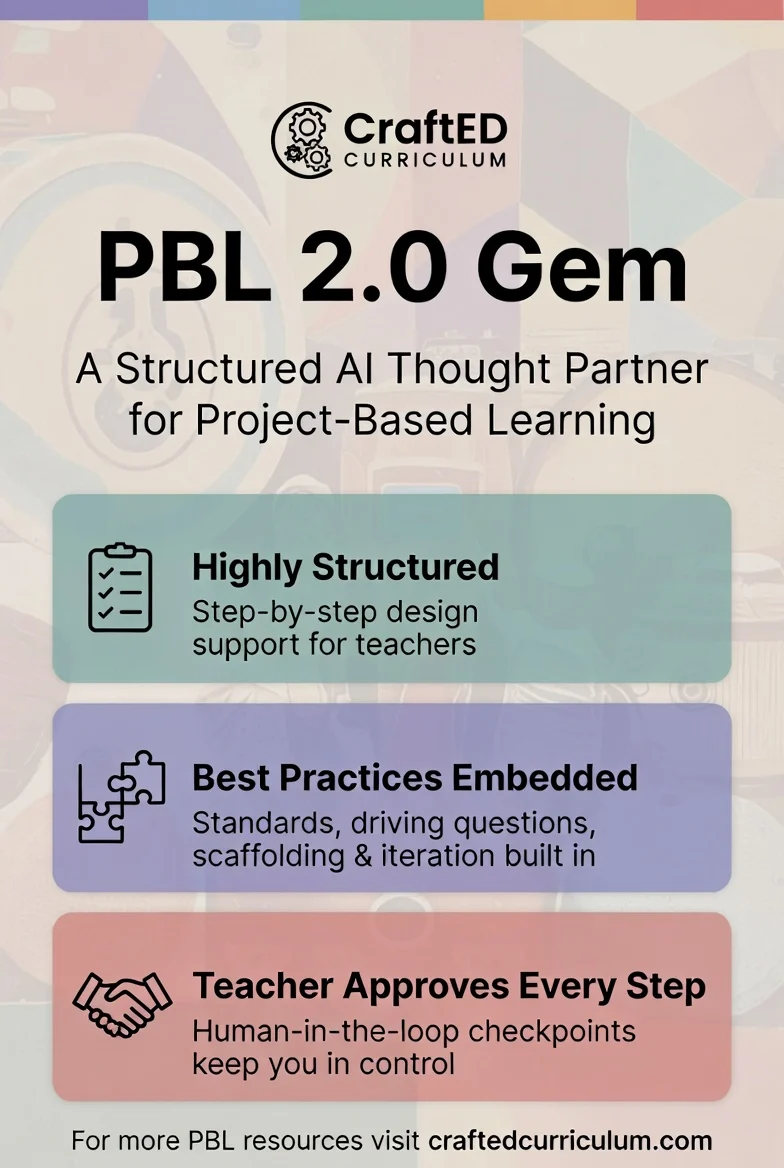
*This post was developed with support from AI tools, including Grok and a custom PBL design Gem. All insights, framing, and recommendations are my own, based on my experience as a PBL educator and curriculum designer.
About the Author: Jenny
